Media utilityURL to file
No-ads utility
Viddl
I got tired of video downloaders that looked like malware, so I built the boring version: paste a link, get the video, leave.
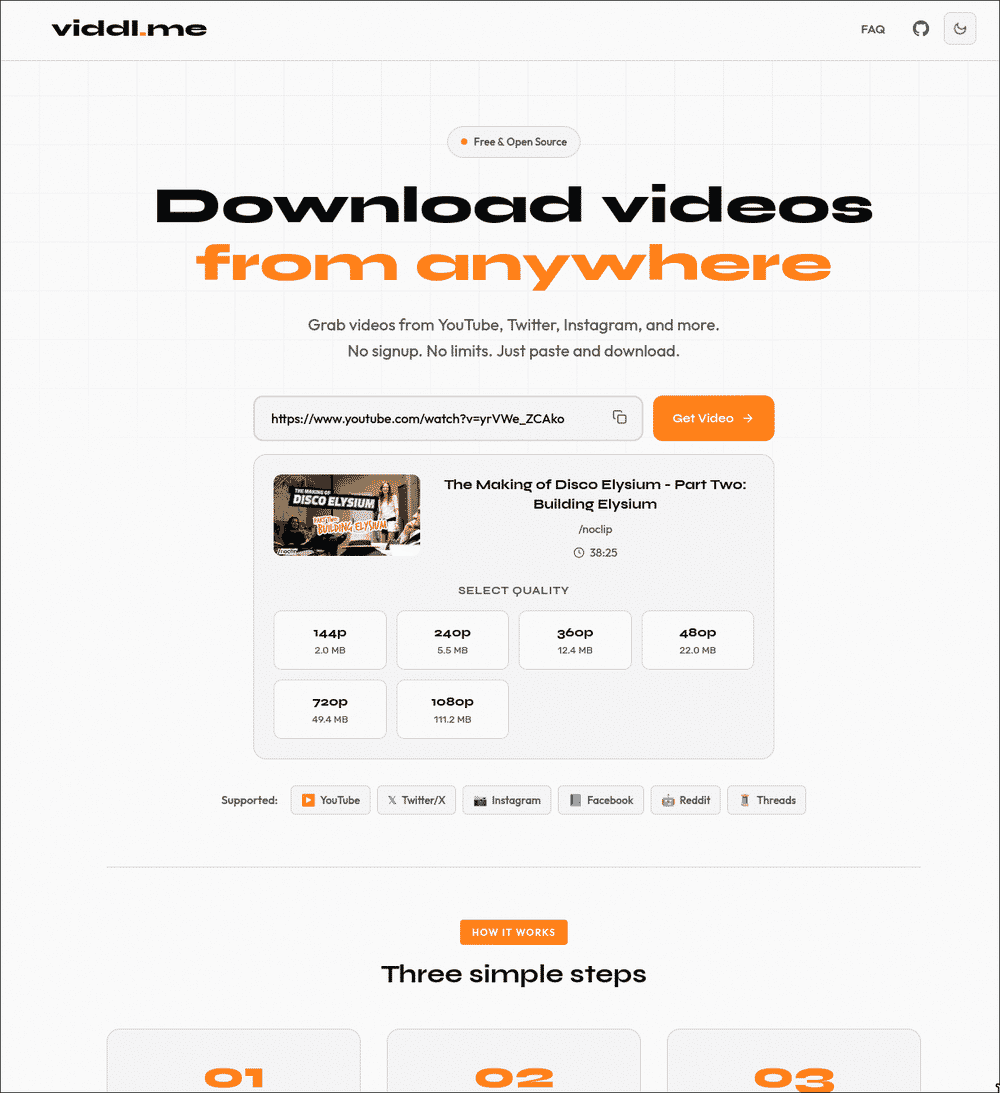
- 01Paste URL
- 02Resolve media
- 03Fetch the MP4
- 04Get out
Why it exists
Video downloaders have a special talent for making a basic job feel suspicious. Five fake download buttons, three pop-ups, a browser notification request and somewhere underneath it all there might be the actual file.
I wanted the opposite. Paste a link, get the MP4, leave. No account. No ceremony. No need to explain to your antivirus why you clicked the large green button.
What it handles
Viddl accepts links from YouTube, Twitter/X, Instagram, Facebook, Reddit and Threads. It resolves the media and returns a normal video file in the best quality it can get. Nothing else is required.
The annoying part
In May 2026, a configured cookie file could break downloads if it was missing or unusable. The fix was to omit the cookie option in that case, allowing the downloader to try without it. I also wrote down the recovery procedure. Cookies can help with an upstream challenge, but they are not a promise that YouTube will accept the next request.
Social platforms constantly change their pages, signatures, endpoints and rules. Keeping a downloader working becomes an arms race against several companies with more engineers than sense of humour.
Viddl is still online, but it is low-maintenance. It may occasionally break when a platform changes something, because I have resisted turning “download this video” into my full-time war with YouTube. That is the deal.
What users changed
Broken links are the roadmap. When a supported site changes, I fix the resolver.
What remains imperfect
Upstream sites change without warning, so a supported service can break until I catch up.